Answers, any time of day.
Quick fixes and how-to videos for the systems in your home. If you’re still stuck, we’re a call or text away.
Try these first.
The internet or Wi-Fi is down everywhere in the house
Most whole-house outages start with the internet provider, not your network.
- Find the modem from your internet provider. Its lights will show whether the service is up.
- Unplug the modem’s power for 30 seconds, then plug it back in. Give it five minutes to come back.
- If it’s still down, text or call us. We can often see your network remotely and tell you where the problem is.
Please don’t unplug or reset the equipment in your rack. It holds your home’s programming.
Wi-Fi is weak or slow in one room
- Turn your device’s Wi-Fi off and back on so it reconnects to the nearest access point.
- Make sure you’re on your home network, not a guest network or a neighbor’s.
- If one area is slow every day, let us know. We can check that access point remotely.
The app says my system is offline or won’t connect
- Check that your phone has internet. At home, make sure it’s on your home Wi-Fi.
- Fully close the app and reopen it.
- Check your app store for an update to the app.
- If the whole house is offline, start with the internet steps above.
I got a new phone or tablet
Download the app for your system (Control4, Crestron Home, Lutron, Josh.ai, or Sonos) and sign in with the same account you used before. If you don’t remember the account, or the app asks for a dealer, contact us and we’ll get you connected.
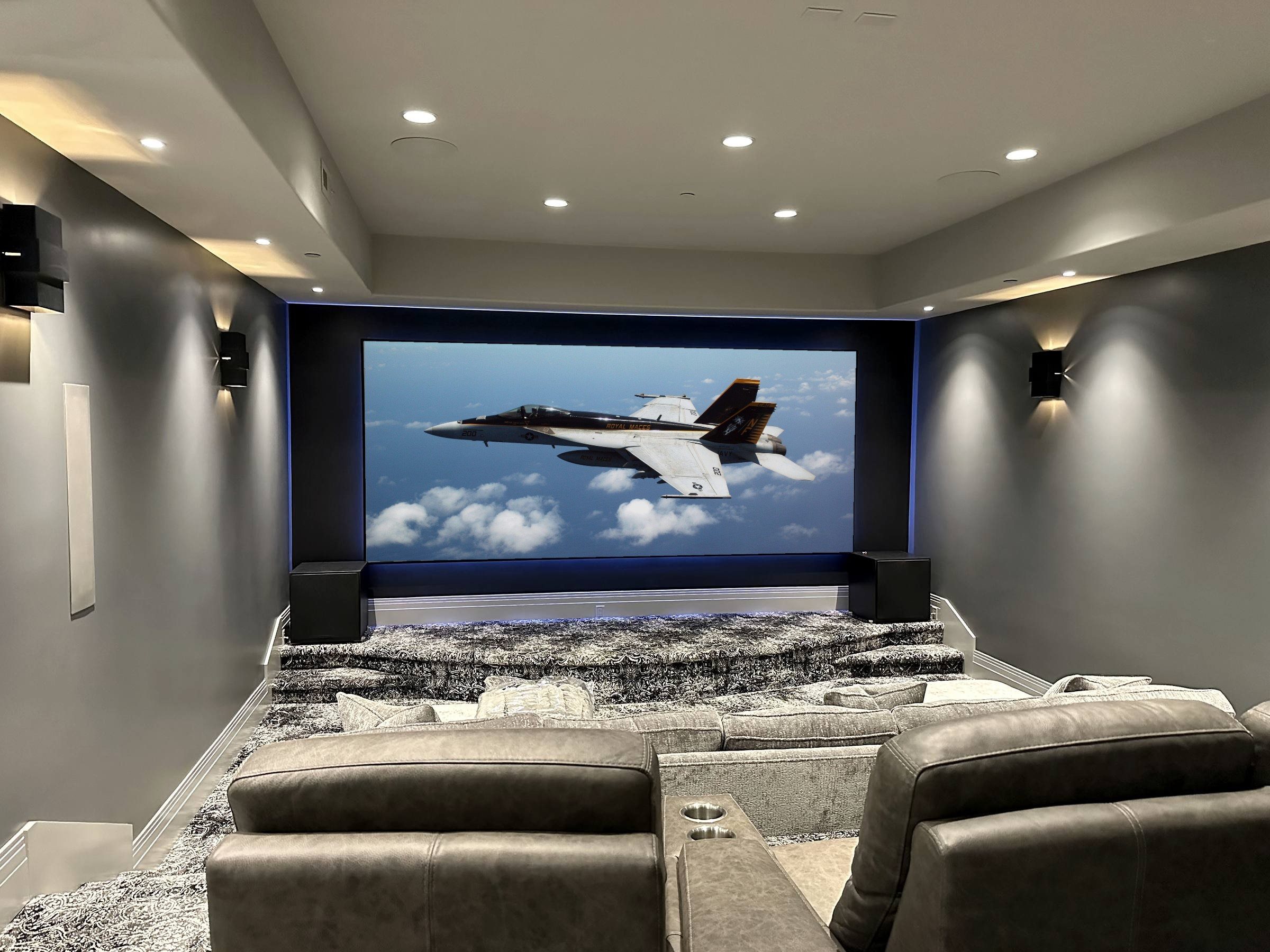
The TV shows no picture or the wrong input
- Use your system remote or app, not the TV’s own remote, to turn the room off.
- Wait 10 seconds, then turn it back on and choose what you want to watch. This resets the TV, receiver, and source together.
- If one source (cable, Apple TV, Kaleidescape) is the problem, try another source to narrow it down, then let us know which one.
Music won’t play in a room
- Check that the room isn’t muted or turned all the way down.
- Check that the room isn’t grouped with another room that’s already playing something else.
- If one streaming service won’t play, sign out of it in the app and sign back in.
A keypad or light isn’t responding
If a single light is out, it may be the bulb or fixture. If a keypad stops working, or a whole room stops responding, note which keypad or room and contact us. Please don’t try to reset keypads yourself. They store your scenes and programming.
Shades stopped partway or are out of line
- Send the shades fully open, then fully closed, from the keypad or app.
- Battery-powered shades that move slowly or stop need new batteries.
- If one shade still won’t move, let us know which room and window.
The power went out
If you have a standby generator, it should start on its own within seconds and power the circuits it was set up to carry. When utility power returns, the generator hands back automatically.
Your network, control system, and TVs can take 5 to 10 minutes to fully restart after an outage. Give them that time before calling. If something is still off after 15 minutes, contact us.
A camera is offline or not recording
If every camera is offline, the cause is usually the internet or network, so start with the internet steps above. If just one camera is offline, let us know which one. We can usually see it remotely.
We’re leaving for the season, or coming back
Let us know your dates. We can set your system to an away mode, check it remotely while you’re gone, and, on Concierge Care, walk the house before you arrive so everything is ready.
Nothing matches that search yet. Ask us directly